Registration Requirements
- You must use an email address that has not been previously registered on Tamam.
Overview
Tamam allows you to create a free account and invite up to 9 users to benefit from the platform’s services. As the account owner of the organization, follow the steps below to create a new account.
Step-by-Step Guide
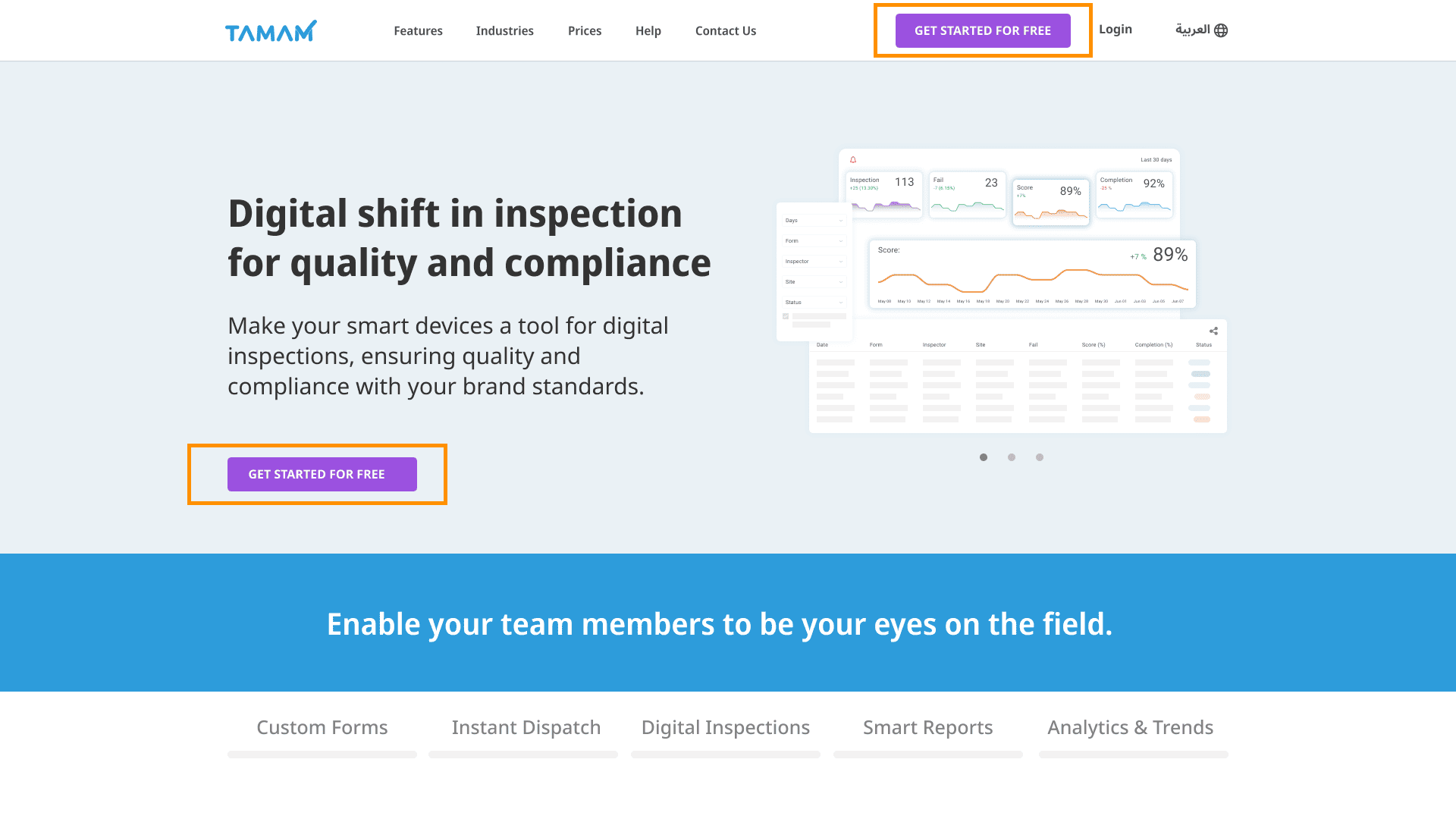
Go to the Create New Account page
From the Tamam homepage https://tamamplus.com/homePage .Click the “Start Using for Free” button
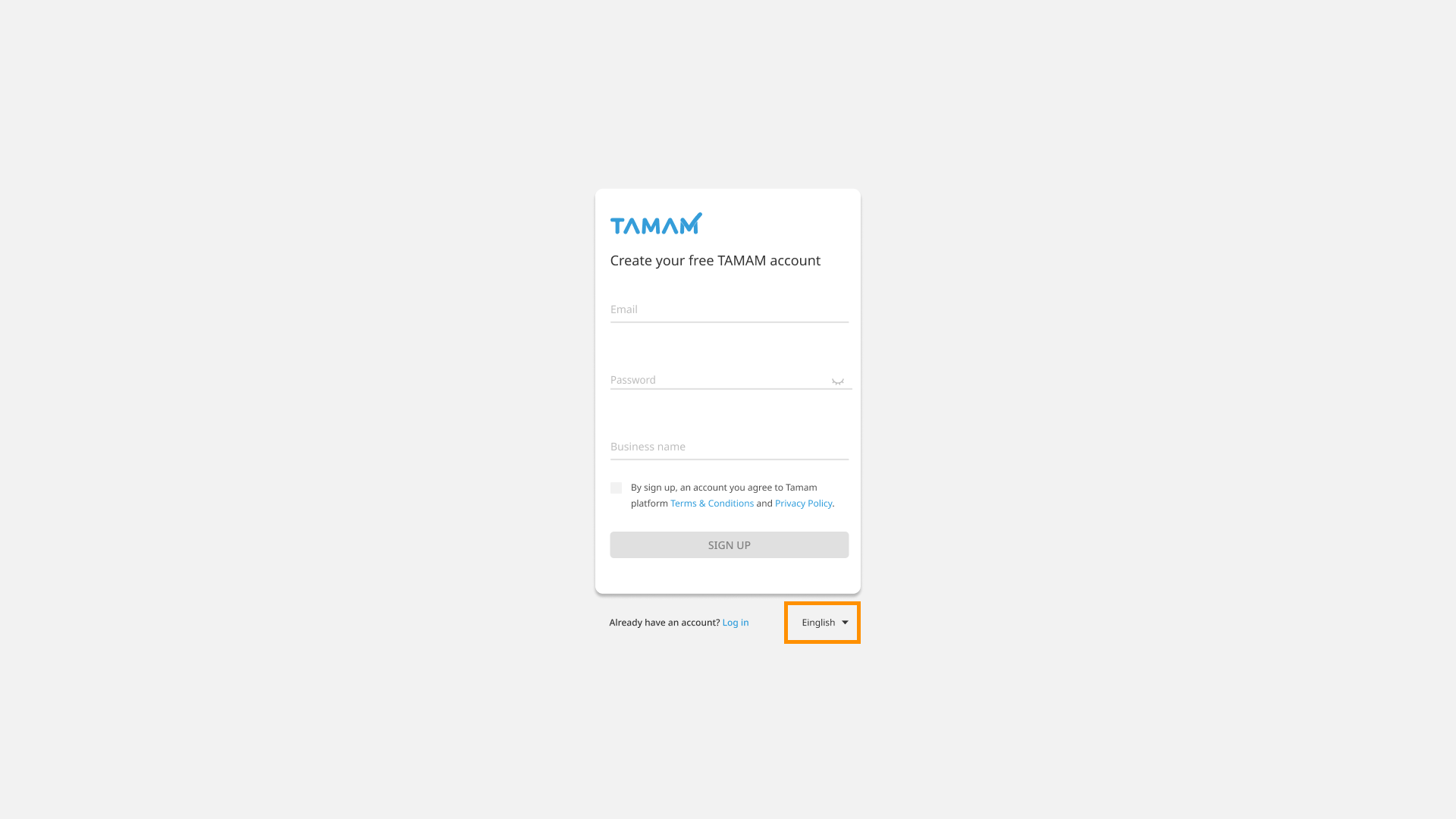
Select the Preferred Language
From the bottom of the form, select your preferred language to complete the account registration process.
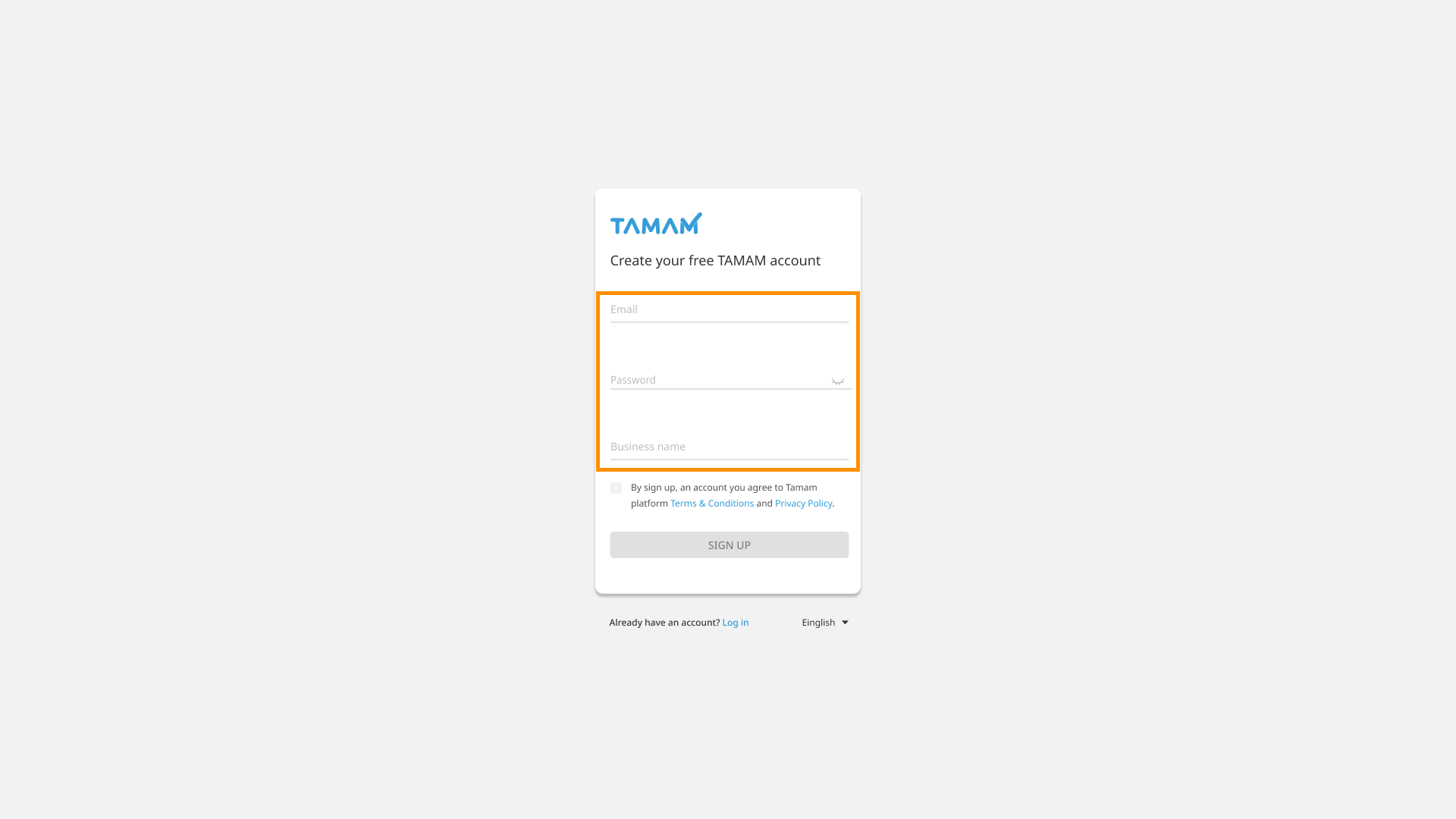
Fill in the Required Information
Fill in the required fields, including the email address, password, and organization name.
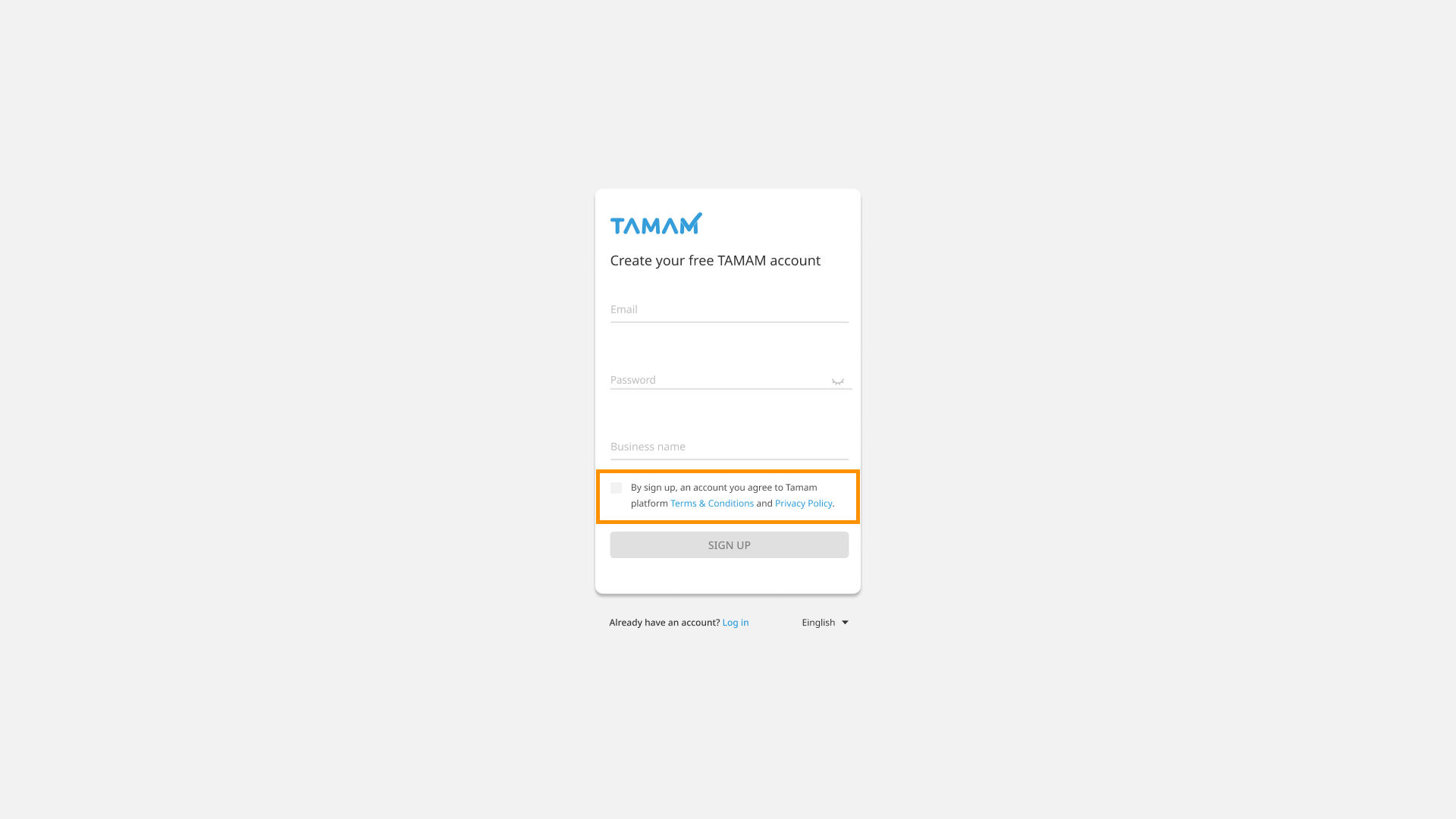
Confirm Acceptance
Confirm your acceptance of the Terms & Conditions and Privacy Policy by checking the agreement box.
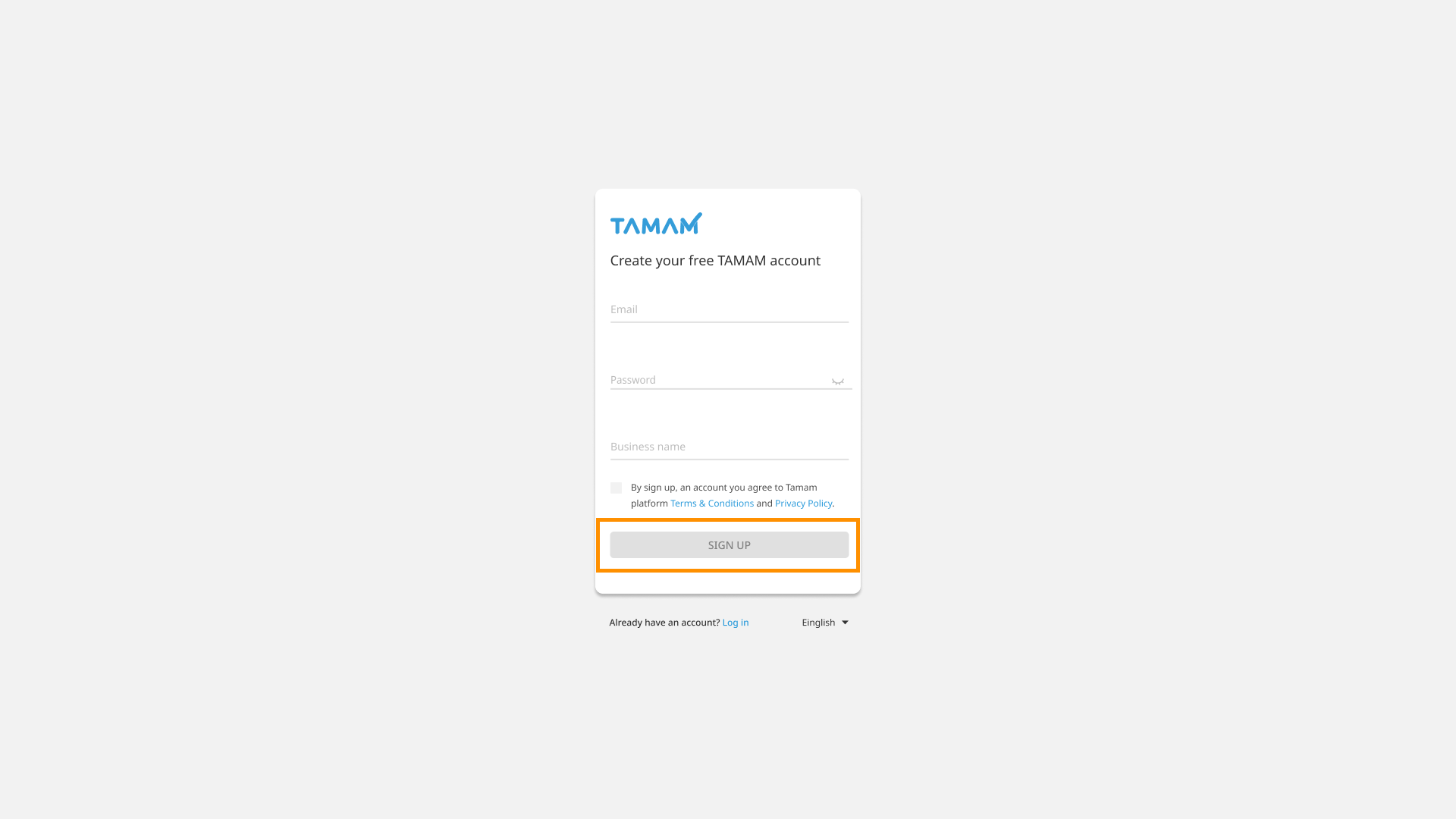
Complete the Registration Process
After all information has been entered correctly, the registration button will become active. Click it to complete the account creation process.
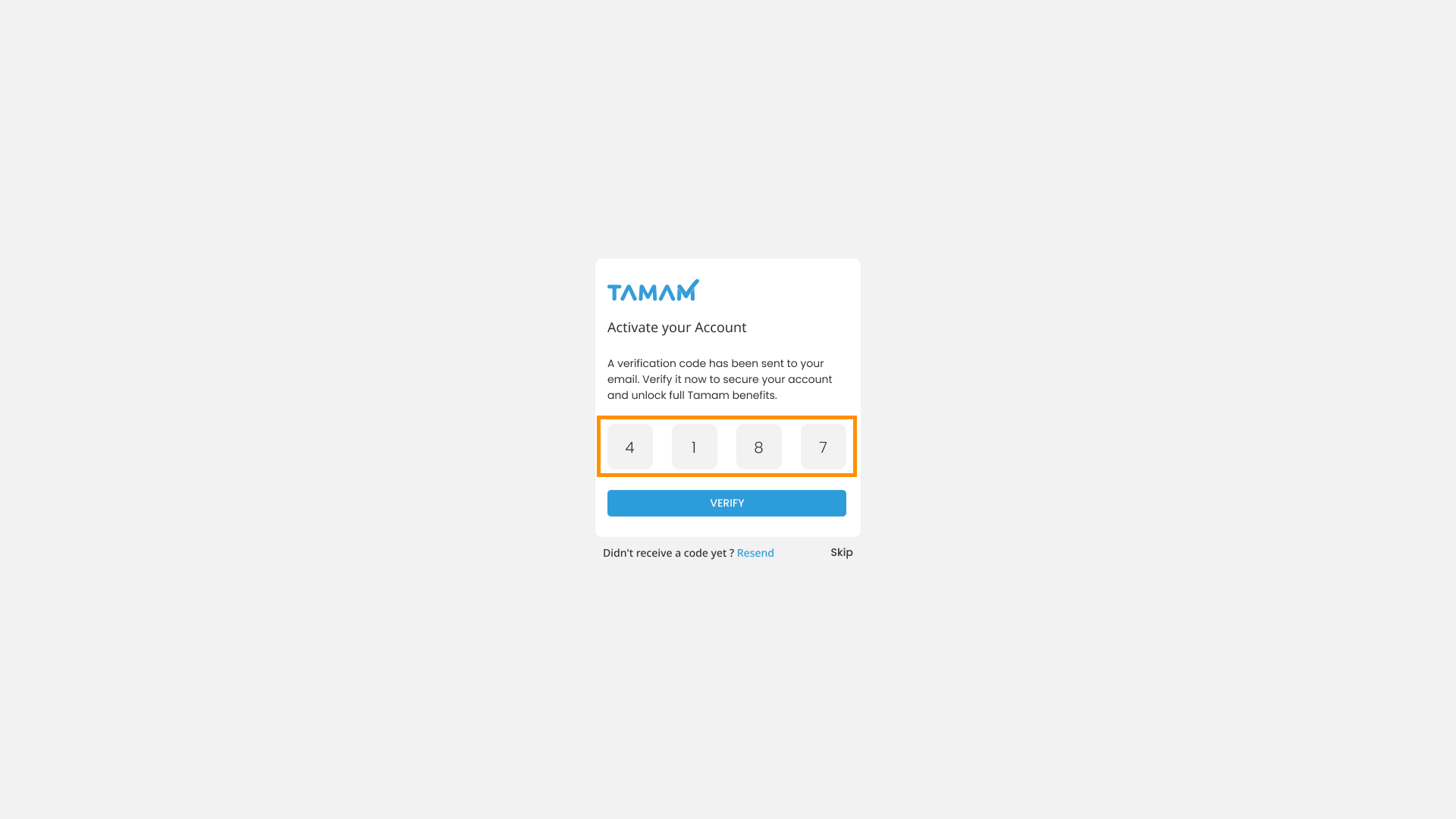
Verify Your Account
After completing the registration process, a verification code will be sent to your registered email address. Verify your account using the received code to help protect your account and prevent the loss of your organization’s data.
Account Created Successfully
By following these simple steps, you now have a verified account on Tamam and can start benefiting from our services.